
Free Roblox skin maker online
Open the browser-based editor when you already know the outfit you want to make and need a faster way to start drawing shirt and pants textures.
Browse real Roblox skin ideas, make your own shirt and pants textures, check them on a 3D avatar, and export the finished PNG files.
Preview
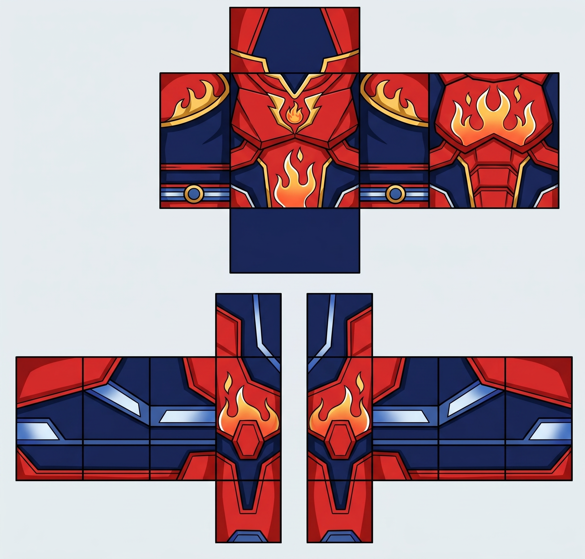
Shirt
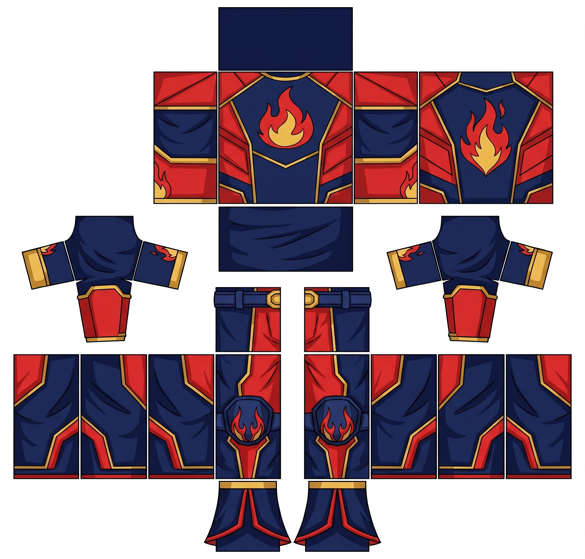
Pants
Our comprehensive Roblox custom skin maker provides everything you need - from browsing trending custom skins to AI-powered skin creation tools for making unique Roblox skins
Discover the most popular Roblox skins with advanced filtering and search capabilities
Professional skin editing tools with both manual editing and AI generation options
Create personalized 3D avatars with manual customization and AI-powered generation
More features are in development, stay tuned
Compare finished Roblox outfits before you start designing. Open any preview to see the colors, shirt texture, and pants texture up close, then use the ideas you like in your own original skin.
A deep blue Roblox warrior skin with star armor plates, white trims, and a bright galaxy chest emblem.
Outdoor ranger outfit with layered green jacket panels, brown utility straps, and leaf badge details.
Iridescent pop star outfit with pink-blue panels, gold shine, and stage-ready Roblox avatar energy.
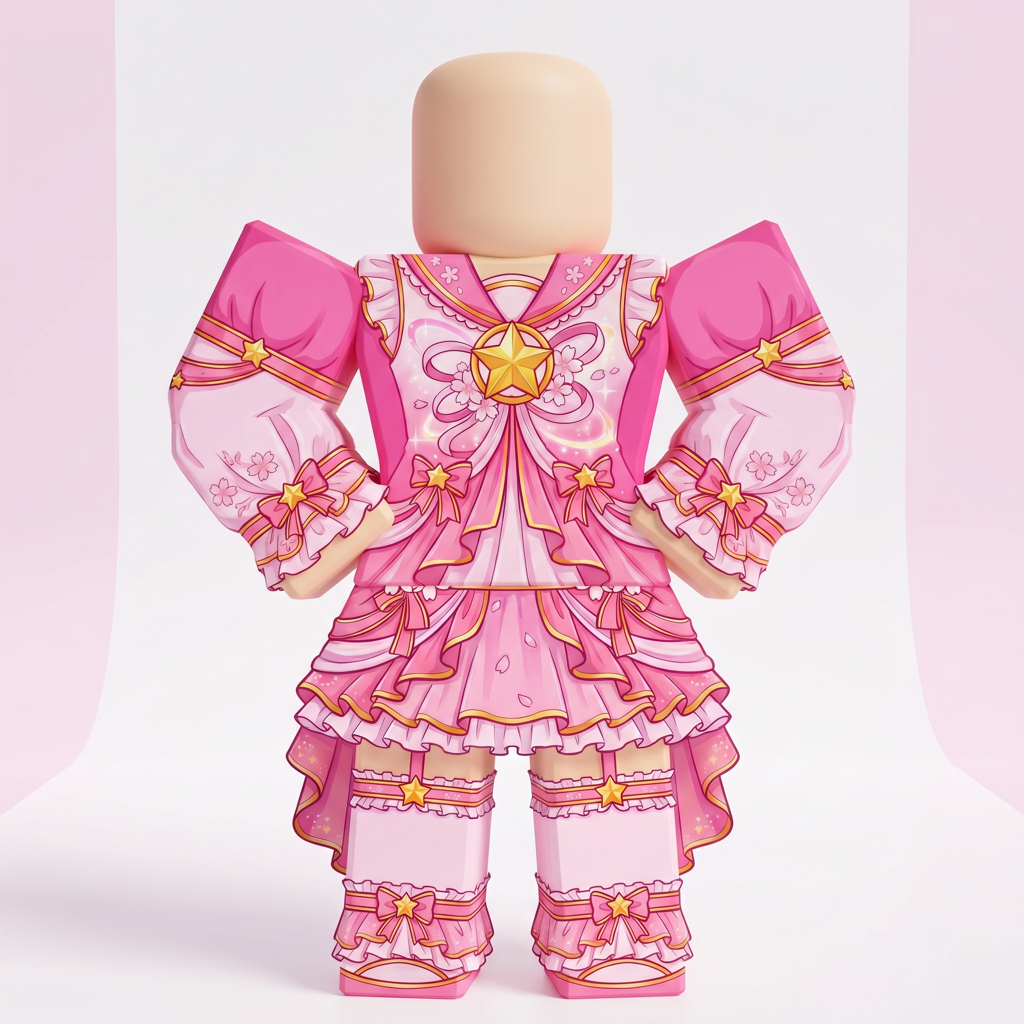
Pink magical idol skin with sakura accents, ribbon panels, gold star details, and bright stage colors.
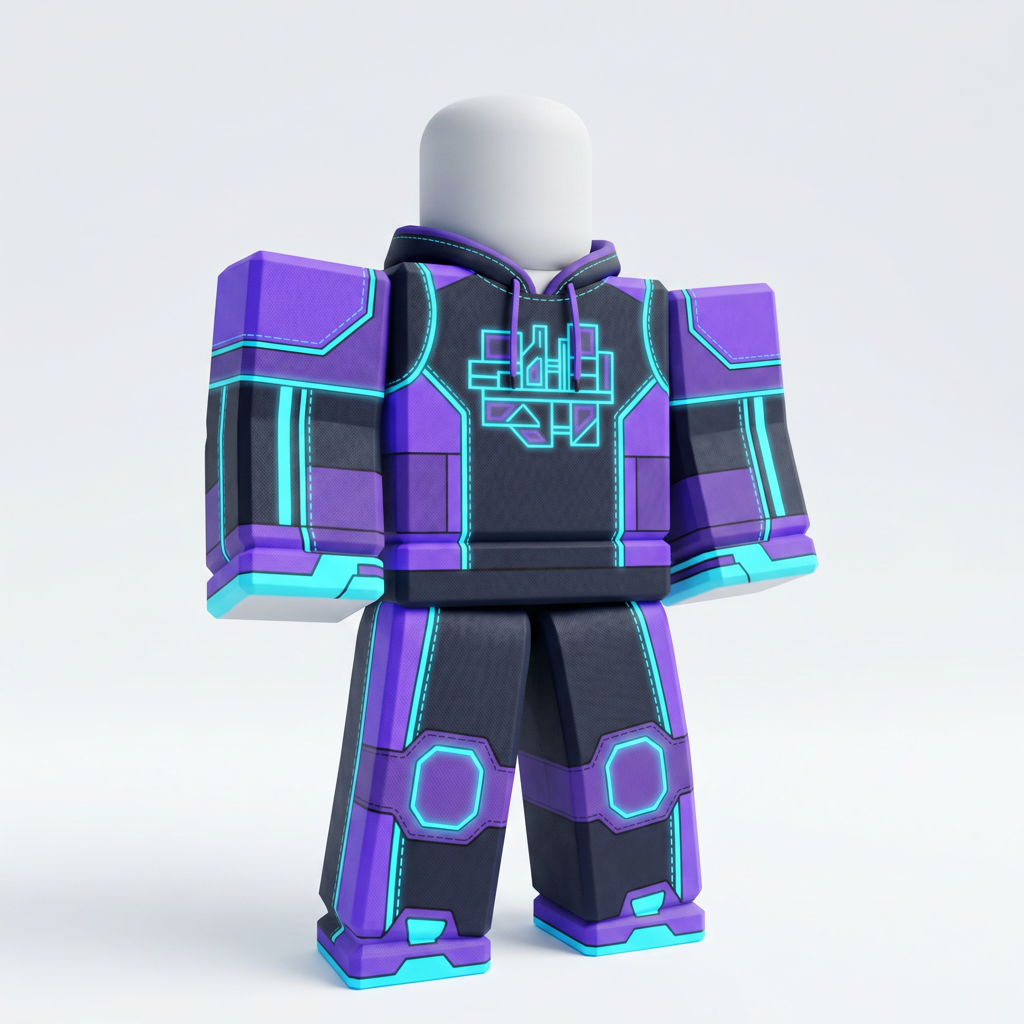
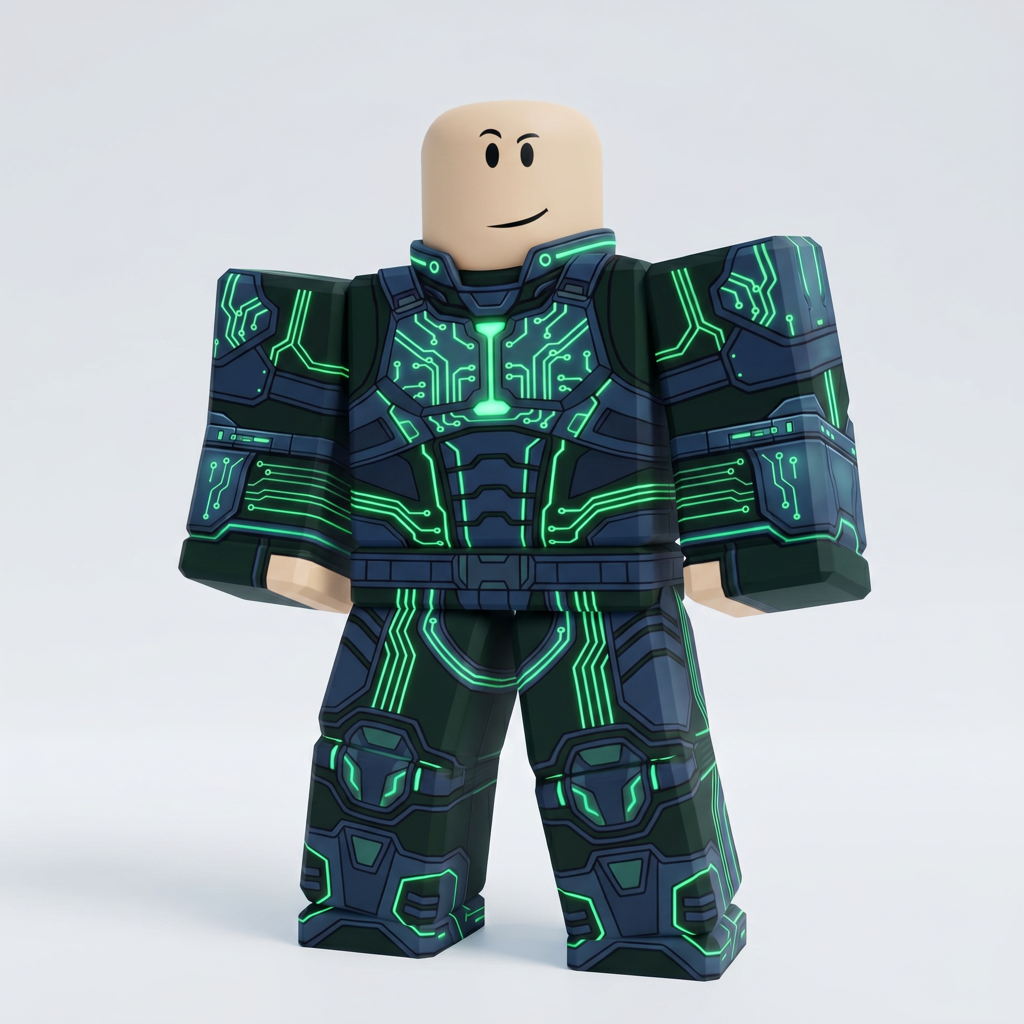
Futuristic techwear suit with green circuit traces, dark armor panels, and runner-style energy lines.
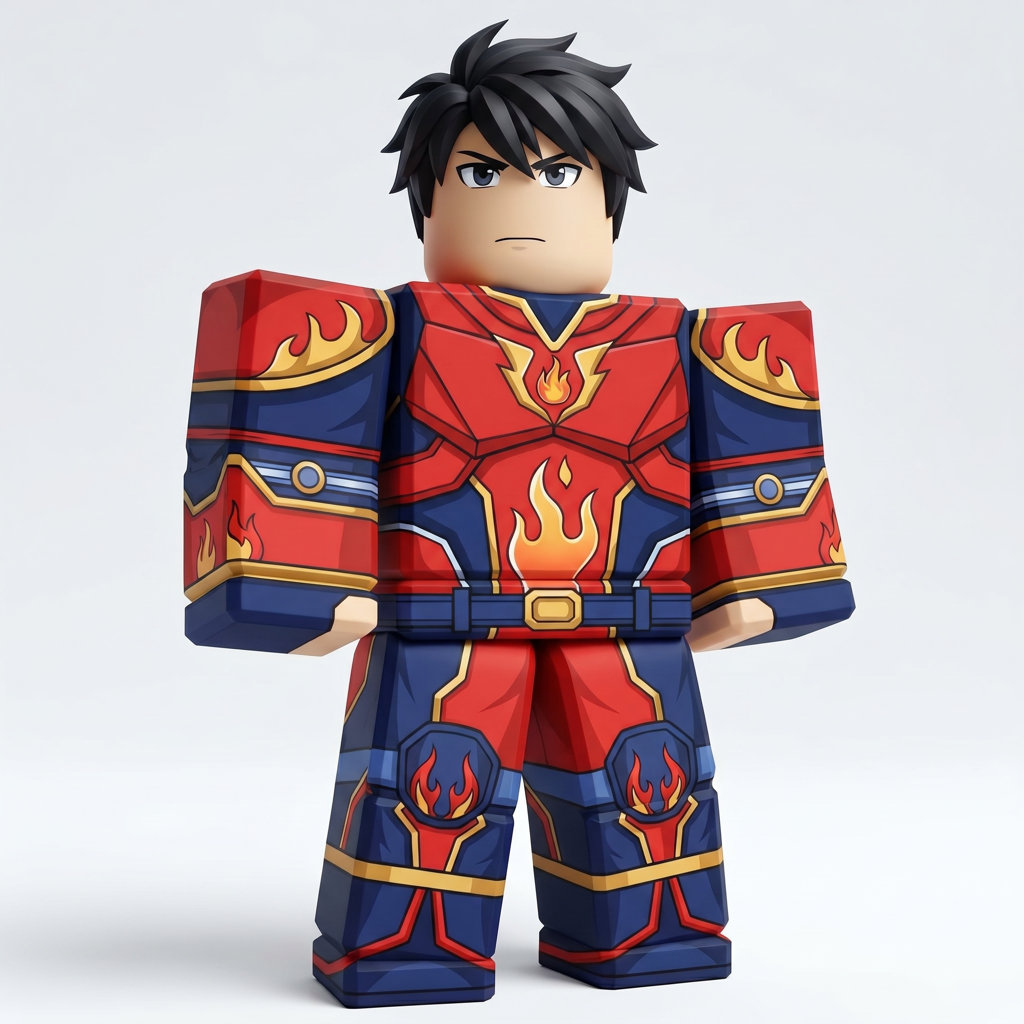
Anime hero suit with flame chest marks, sharp red panels, and bold blue-white contrast for action games.
Robot pilot armor with grey plating, orange warning tabs, and cyan visor lines for sci-fi roleplay.
Make custom shirt and pants textures in your browser with our free Roblox skin creator. You can draw, add text and stickers, check the result on a 3D avatar, and export Roblox-compatible PNG files when the outfit is ready.
Start with the free Roblox skin editor to make the clothing for your avatar. You can also browse Roblox skin ideas first, or read the Roblox GFX guide when you want to turn your avatar into a thumbnail, poster, or showcase image.
New to Roblox clothing? Pick a finished look for inspiration, open the editor, and keep the 3D preview visible while you adjust the front, back, sleeves, and legs.
Choose an idea, make it your own in the free editor, check how it wraps around the 3D avatar, and download the finished shirt and pants textures as PNG files.
Use the free editor to create shirt and pants textures, then preview the outfit on the 3D Roblox avatar before export.
Browse Roblox skin ideas or compare finished looks in the free skins gallery or use the full skin preview gallery to compare every public design in one place.
Design in the browser, check the outfit from several angles, and export Roblox-compatible PNG textures when the skin is ready. No extra design software is required.
If you also make Minecraft skins, start with the Minecraft skin generator or browse MC Skins Explore.
People search for a Roblox skin maker, Roblox skin creator, Roblox skin editor, or lightweight Roblox avatar creator when they want the same outcome: build clothing textures online, preview the look on a 3D avatar, and export clean PNG files.
Open the browser-based editor when you already know the outfit you want to make and need a faster way to start drawing shirt and pants textures.
Browse Roblox skin ideas first if you want color palettes, style references, and a simpler path from inspiration to final export.
Use the preview directory to compare finished looks side by side before you edit your own version.
When the avatar look is ready, continue to the Roblox GFX guide to turn that outfit into a thumbnail, poster, or social graphic.
Create a 64x64 Minecraft skin from a text prompt and refine it before export.
Open the generatorCompare the maker, generator, and editor flows before you choose the best starting point.
Compare workflowsEdit an existing Minecraft skin PNG with manual brush, eraser, preview, and download controls.
Open the editorFollow the Java and Bedrock steps after you export the skin and want to use it in Minecraft.
Read the upload guideChoose the plan that fits your creative needs. Unlock powerful AI features and unlimited possibilities.
Billed as $60 per year
$60 USD billed every year. Automatically renews until cancelled.
Cancel future renewals in your PayPal account. Your paid access continues until the end of the paid period.
Billed as $180 per year
$180 USD billed every year. Automatically renews until cancelled.
Cancel future renewals in your PayPal account. Your paid access continues until the end of the paid period.
Everything you need to know about our Roblox custom skin maker - from creating custom skins to avatar customization with our professional skin maker tools
Leave your email to get contact and receive exclusive feature previews
We promise to protect your privacy and will not share your email address with third parties. You can unsubscribe at any time.
3 simple questions to help us understand your needs
Your responses will help us improve our product, and we promise to protect your privacy.